What's New
Welcome to the scribble.pub changelog! Here you can find a chronological overview of recent features, tools, and enhancements added to the platform.
October 21, 2026 — Bots can draw
Bot API 0.5.0 lets bots draw on the canvas: they can draw lines on any layer, create their own layers, animate them with frames, and replace or remove what they've drawn.
- Mary draws now: Ask Mary to draw something, like
@mary draw a hedgehog in the middle of the drawing, and she'll sketch it right on the canvas, then refine it. - AI is marked: Drawings made by AI bots are labeled, as their names in Drawing Participants end with [AI].
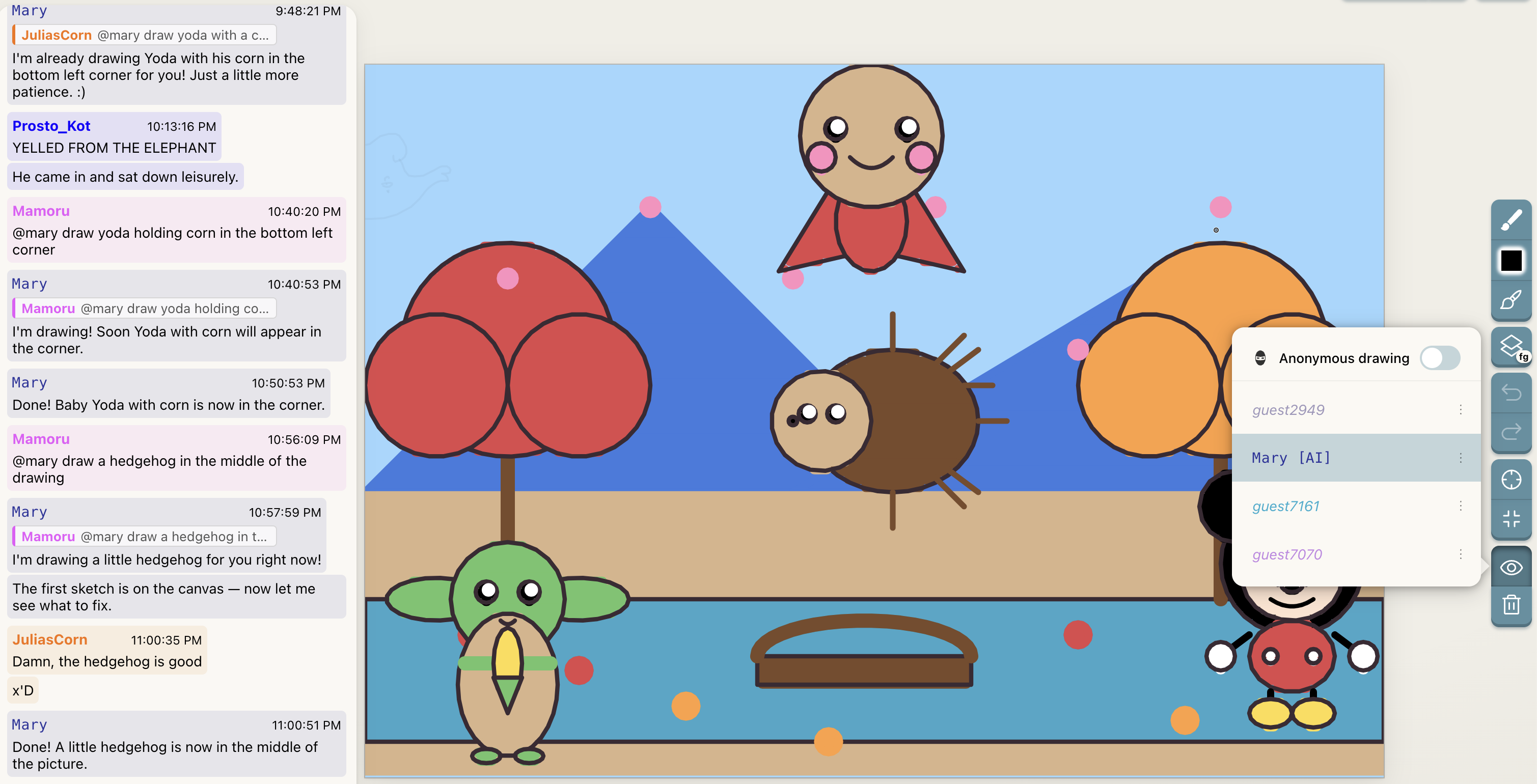
- @GameManagerBot: A new bot that doesn't use AI and always behaves the same way. For now, it adds dice to the canvas that you roll by sending
/rollin the chat (see the Roll animation mode).
/roll.October 20, 2026 — Stroke Eraser
- Erase by swiping: The new Stroke Eraser (E) removes whole lines it touches. Drag it over your lines and they disappear as you go.
- Your lines only: Like Selection, it only removes your own lines on the current frame, and the eraser is as big as your brush.
- Erased too much? Press Ctrl + Z to bring back everything removed in one drag, or Esc before lifting to keep the lines.
October 15, 2026 — Redo, and undo for everything you do
- Redo: Bring back what you undid with Ctrl + Shift + Z, or the redo button that appears next to undo. Lines come back as they were, for everyone.
- More to undo: Deleting lines, moving them to another frame, and adding, removing, repeating or reordering frames and layers can now all be undone. A removed frame comes back with its lines.
- Survives a reload: Lines you removed can still be brought back after reloading the page or reopening the app.
October 14, 2026 — Reporting & Blocking
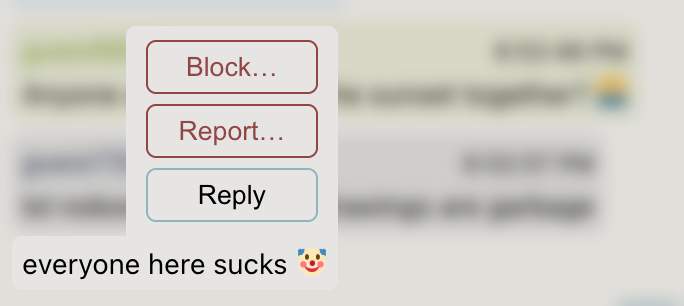
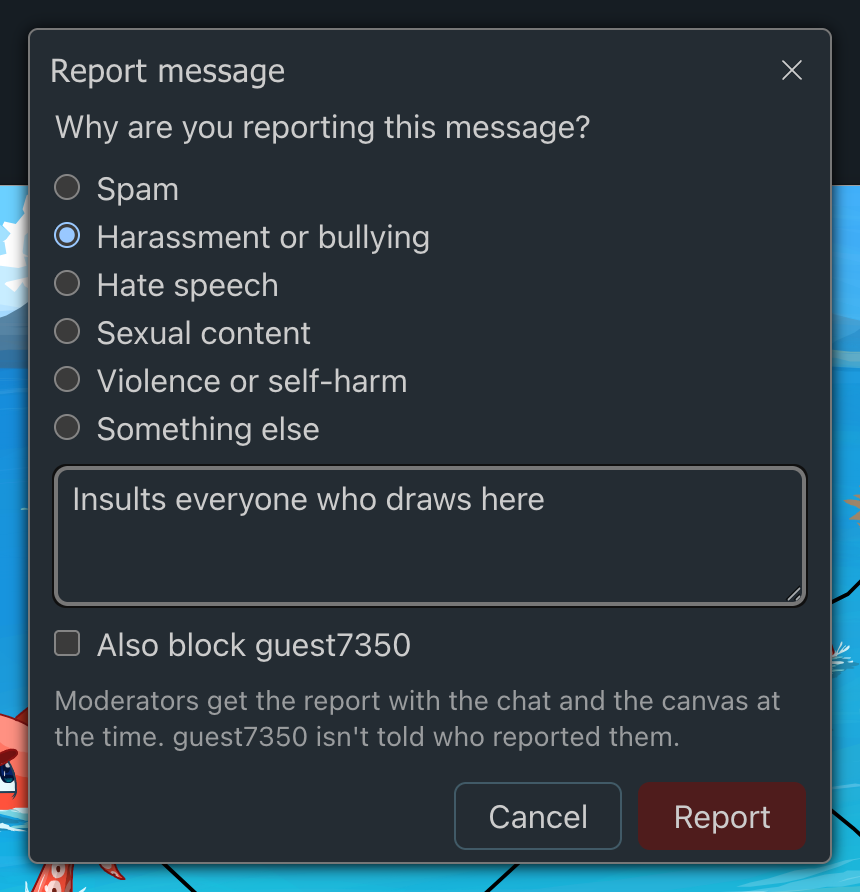
You can now report people who break the rules and block those you'd rather not hear from. Both are tucked away behind a small ⋯ button, as you'll rarely need them. Read more in Reporting and blocking.
Reporting
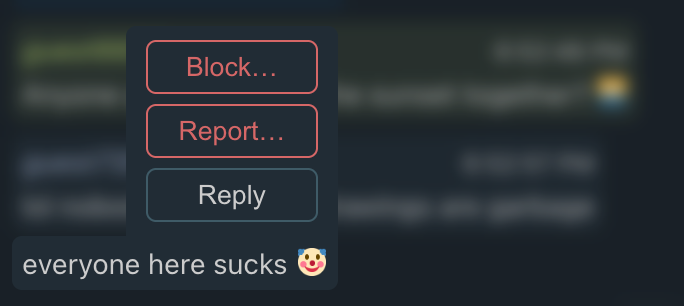
- From the chat: Click (or tap) a message, then ⋯ and Report….
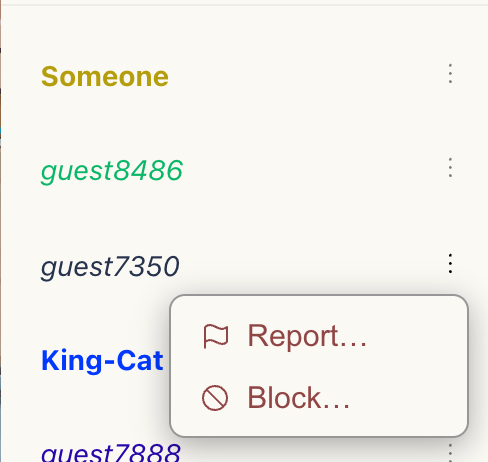
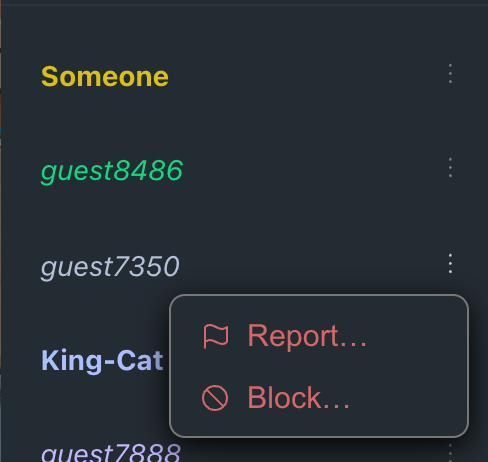
- From Drawing Participants: Open the ⋮ menu next to a name in Drawing Participants to report someone for what they draw.
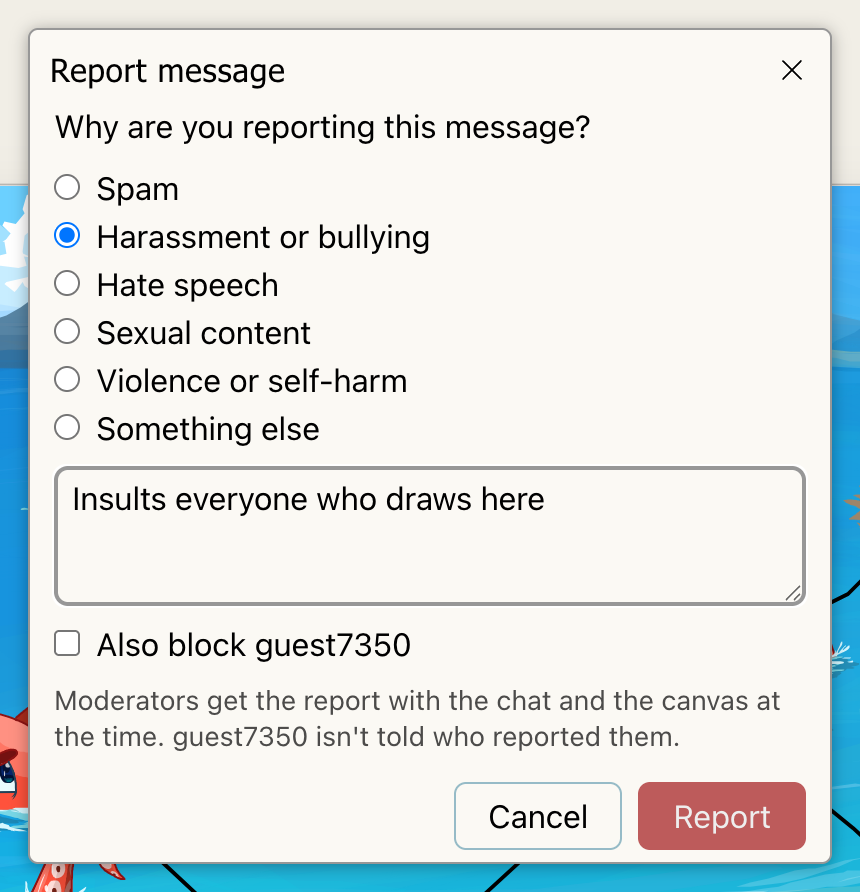
- What moderators get: Pick a reason and, if you like, add a note. Moderators receive the report together with the chat and the canvas as they were at the time. The person you report is not told who reported them.
Blocking
- Hide someone's messages: Once you block someone, you won't see their chat messages in any room, and they won't know. Their drawings stay on the canvas, as it's shared by everyone in the room.
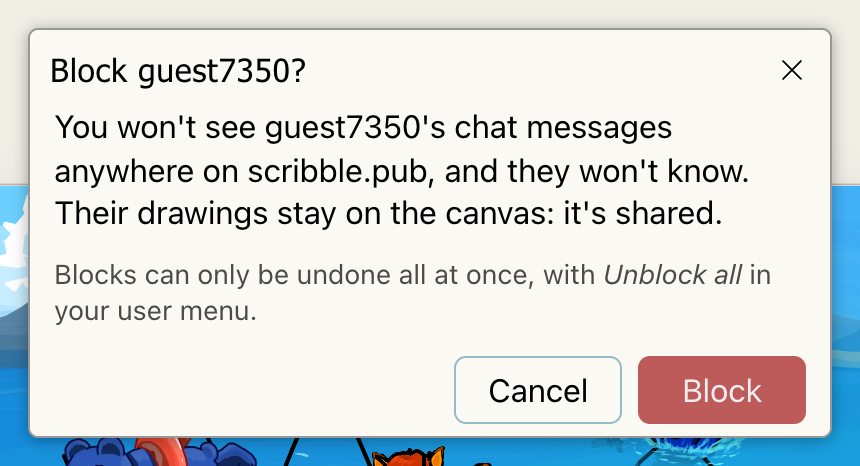
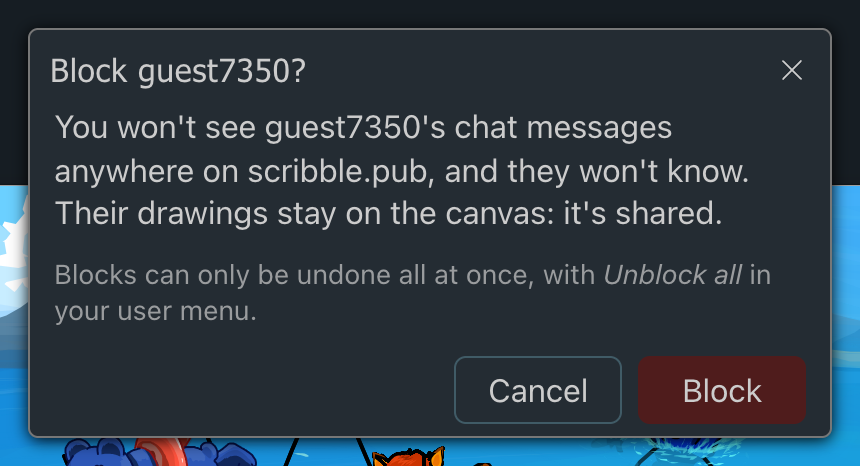
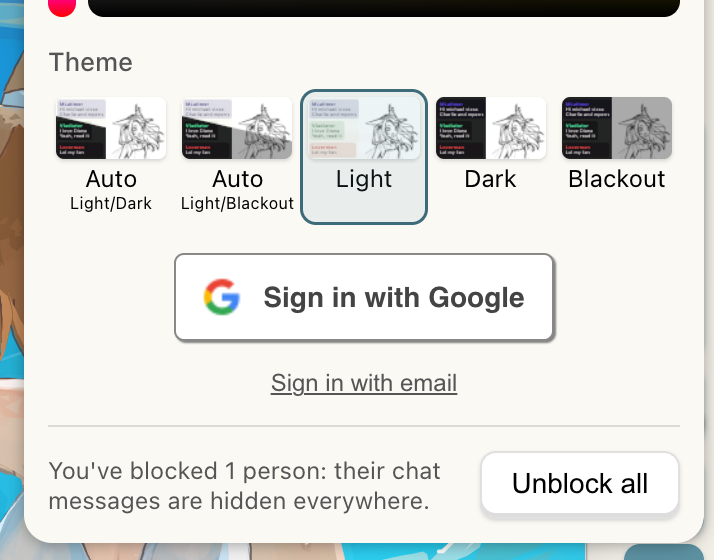
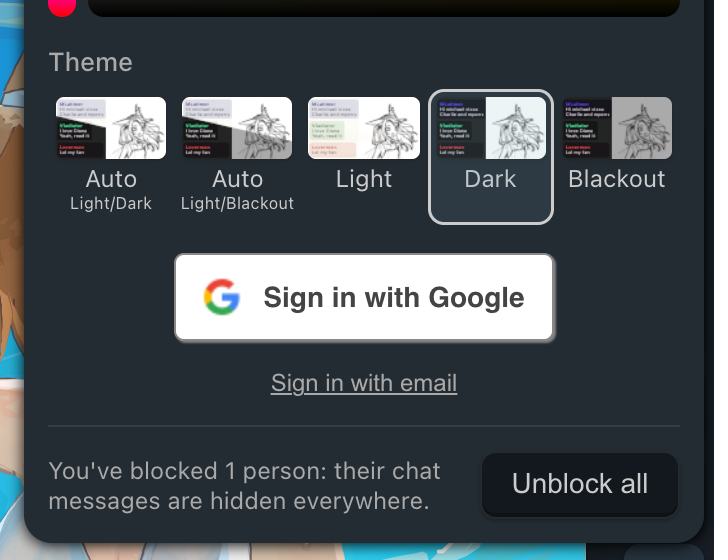
- Unblock all: Blocks are undone all at once, with Unblock all in your user menu.
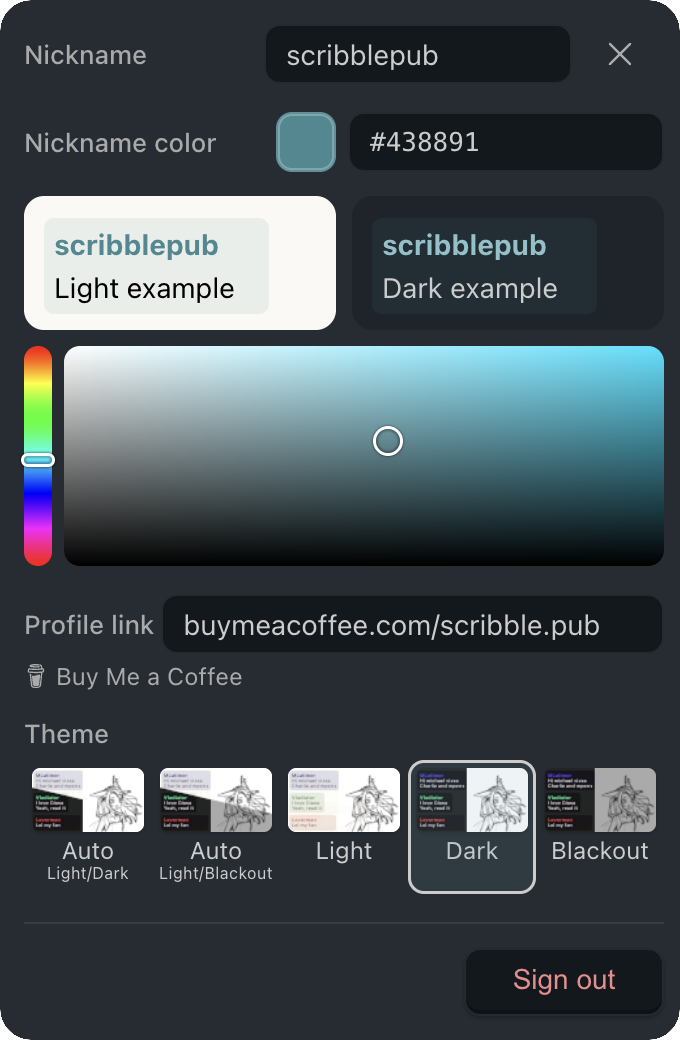
September 29, 2026 — Renewed Design
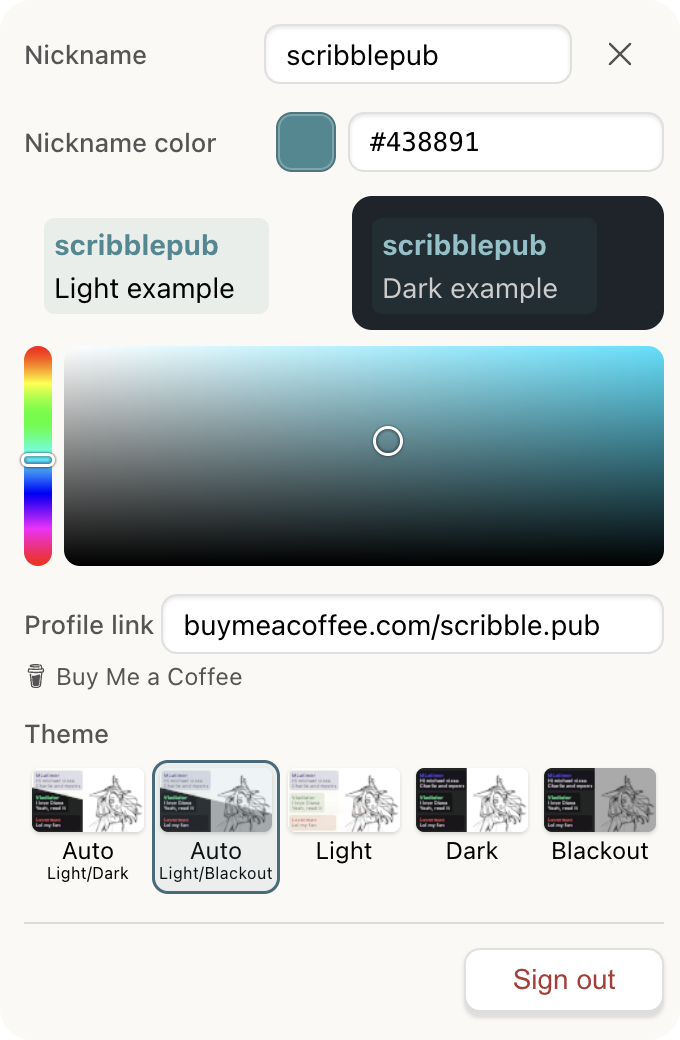
We've rolled out a renewed overall design across the platform!
August 23, 2026 — Direct Replies & Quoting
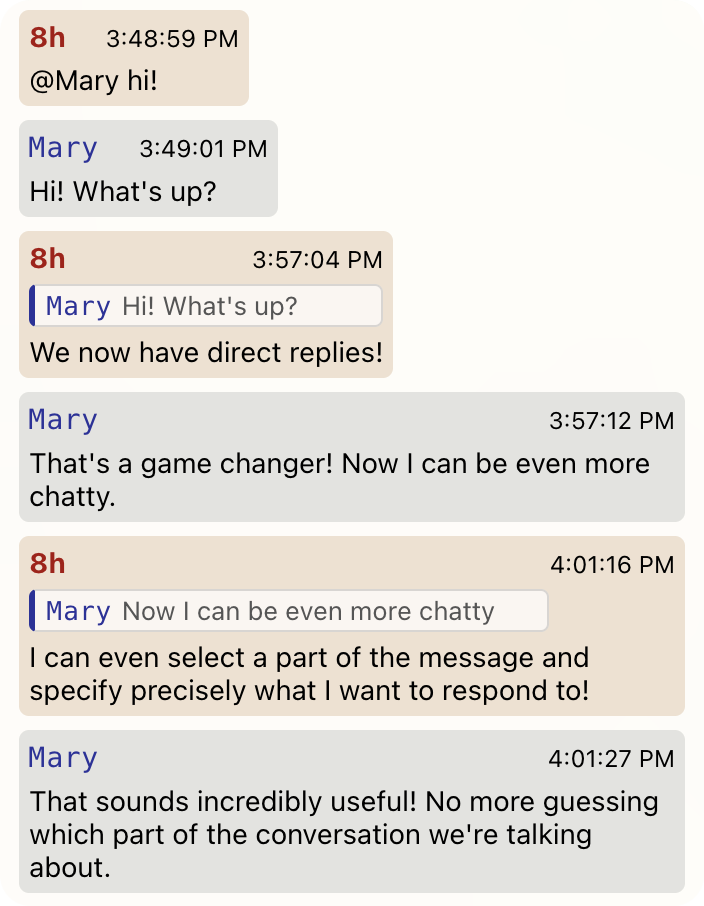
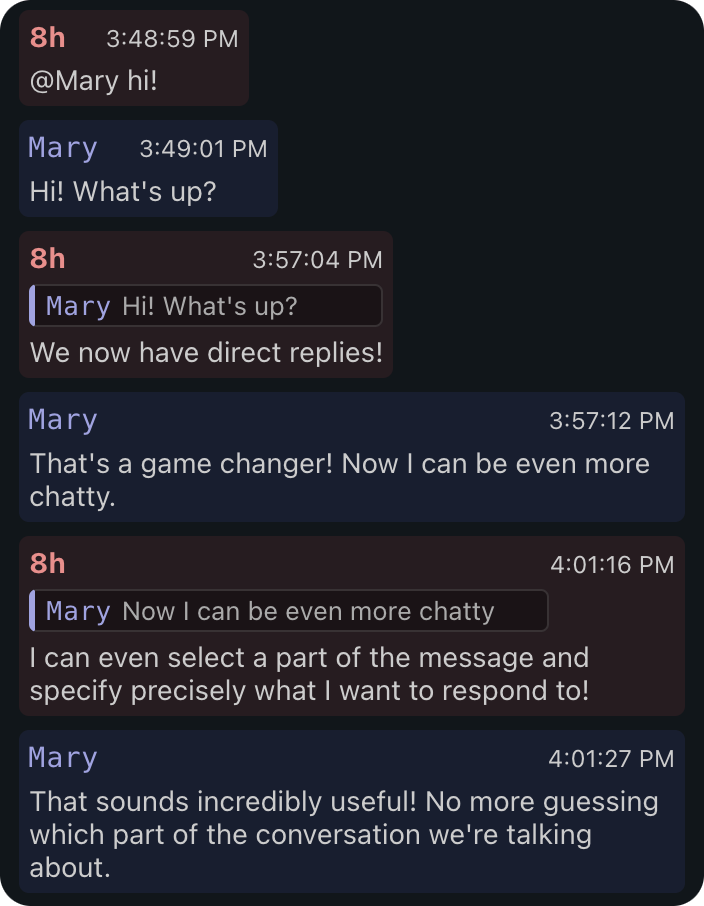
We've upgraded the chat with the ability to reply directly to messages and even quote specific parts of them, making conversations easier to follow!
Direct Replies
- Reply to Messages: You can now reply directly to any message in the chat, creating a clear thread of conversation.
- Quote Text: Select any text within a message and click the "Quote" button to reply to that specific part.
August 17, 2026 — Bot API & Mary
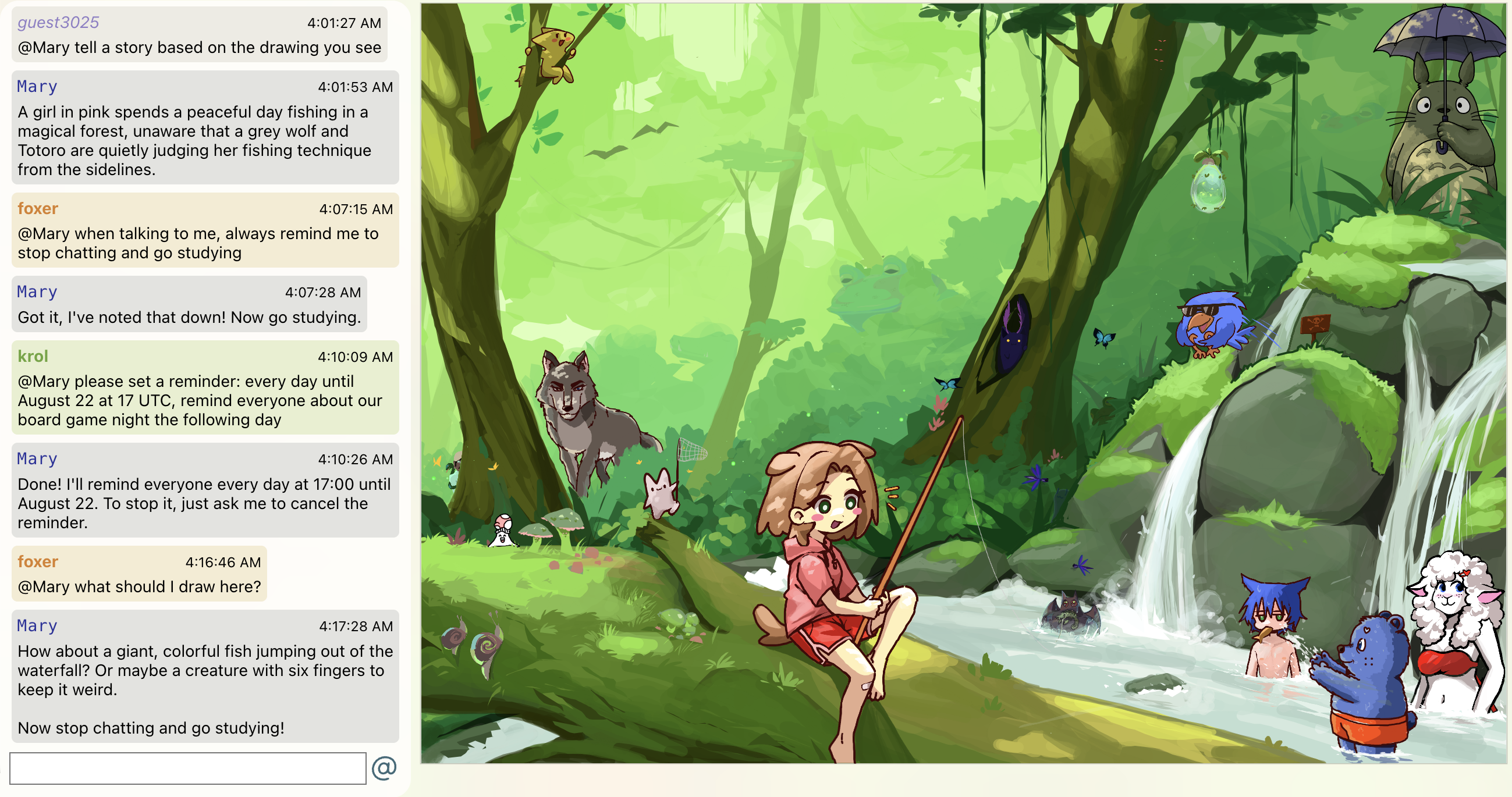
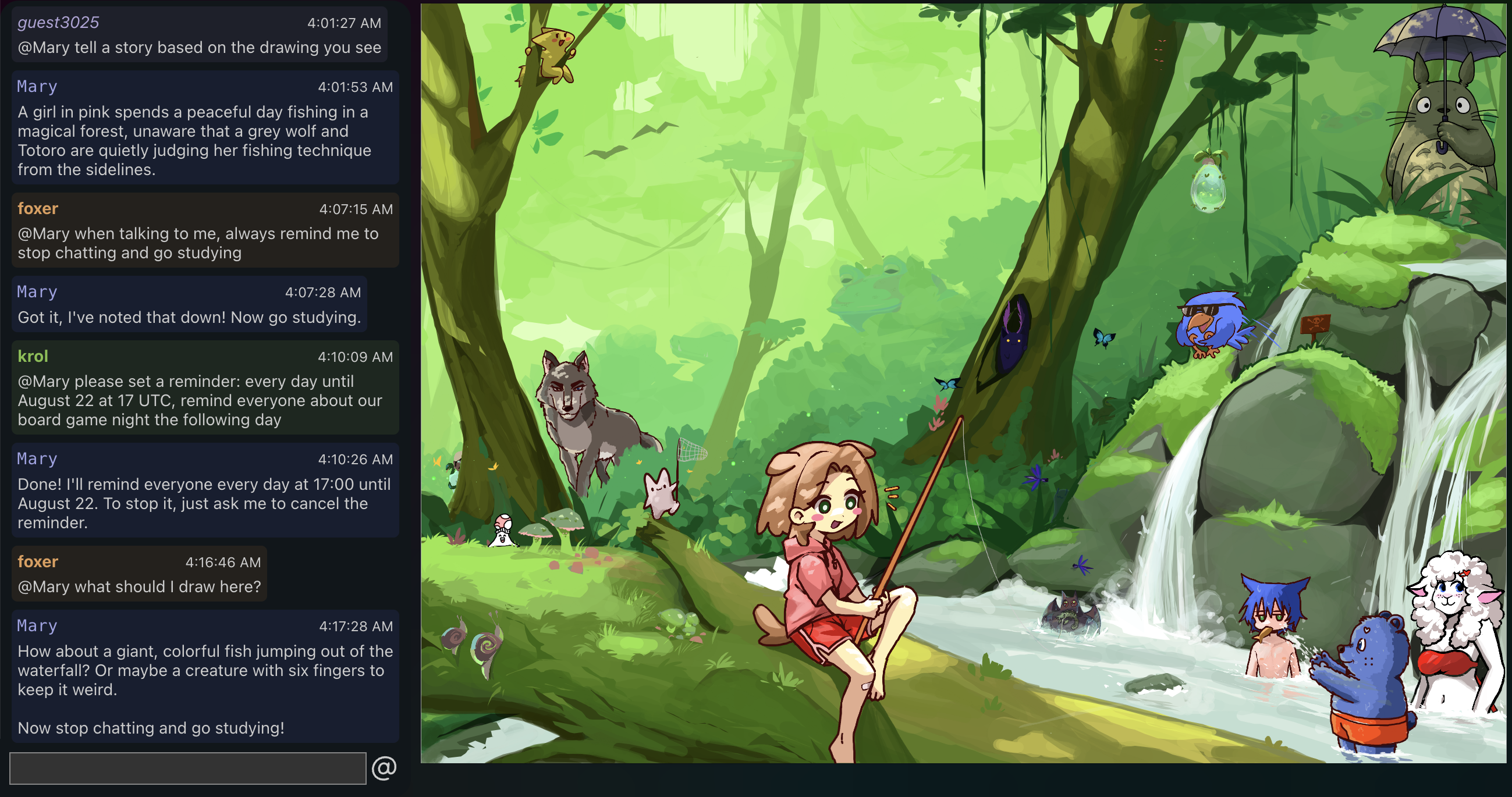
We are introducing the new Bot API, currently in closed testing, to allow custom integrations and bots on scribble.pub!
Bot API and Ecosystem
- Bot SDK: Developers can now build their own bots using the official Bot SDK (currently in closed testing).
- Mary: Say hello to the first 3rd party bot, Mary, who can assist you directly in the room chat.
Chat Integration
- Mentioning Bots: You can call a bot manually by typing
@botnameat the beginning of your message. If it matches a bot (and not a real user), the bot will process your request. - Quick Access Menu: When the chat input is empty, clicking the
@button will open a quick-access menu to summon a bot or open the raw chat log. - Auto-Substitution: When a bot's name is suggested, pressing Tab will automatically insert the bot's mention at the beginning of your message.
August 3, 2026 — Likes on Drawings
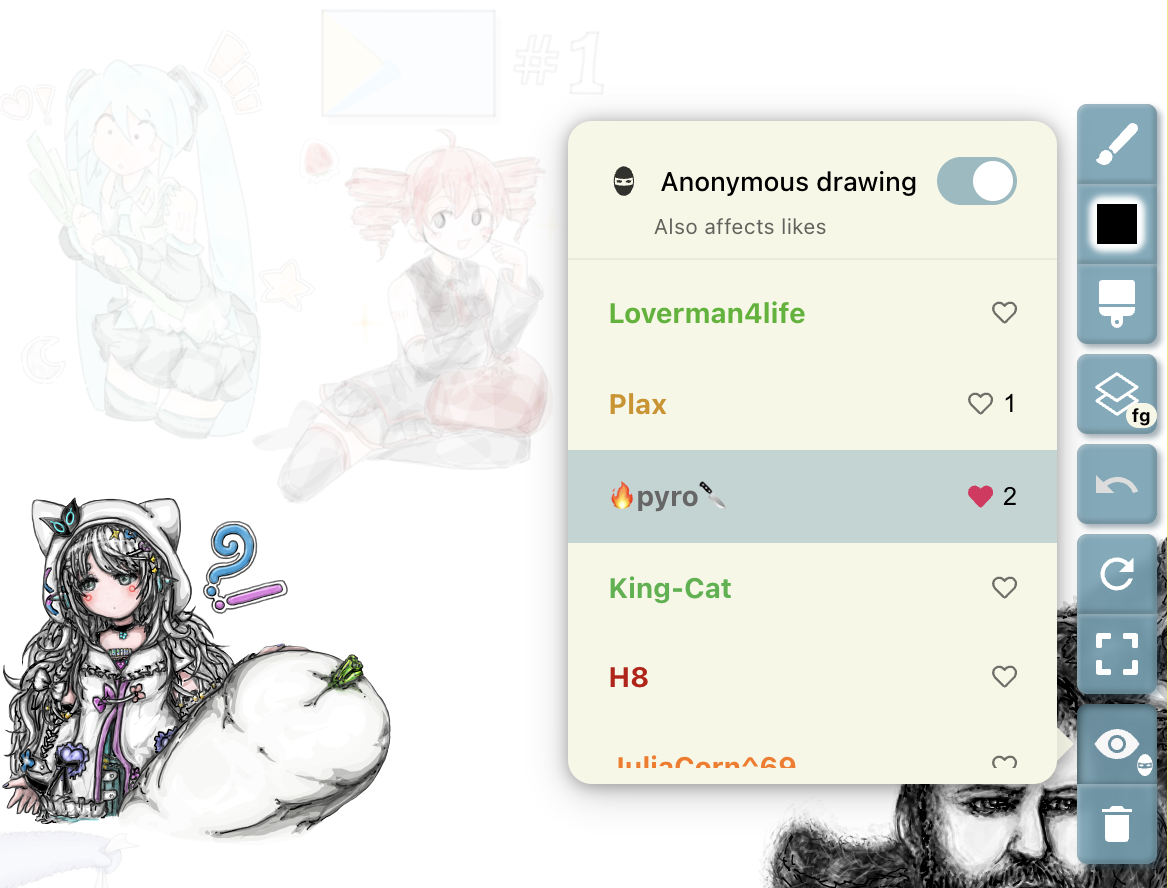
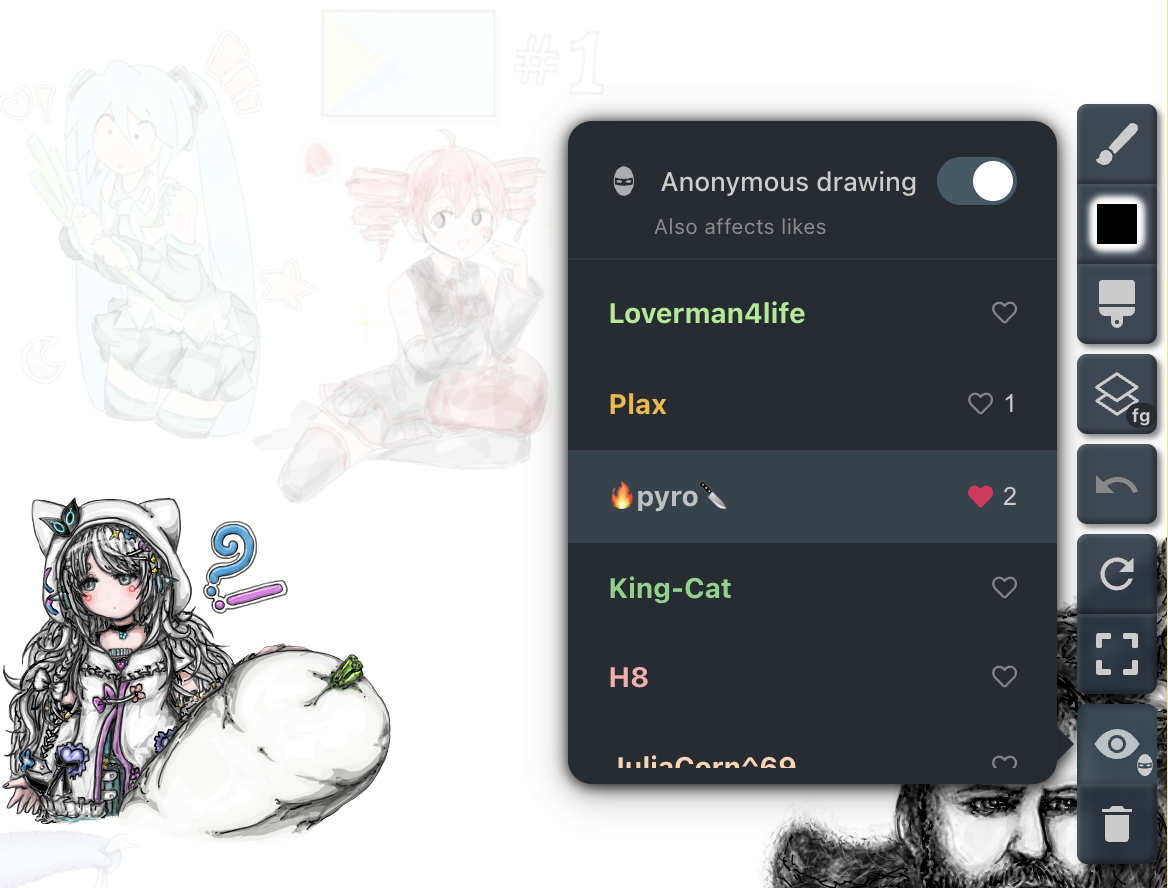
We introduced a new way to show appreciation for artwork in drawing sessions with live Likes! Read more in Drawing Participants, Likes & Anonymous Mode.
Likes on Drawings
- Like Artwork: Click the heart icon next to any participant's name in the Drawing Participants menu to like their work in the current session. The live like count is displayed right next to the heart.
- Chat Celebration: When you like a participant for the first time in a session, a celebration notification is posted in the room chat (for example,
8h liked 🔥pyro🔪's drawing). - Undo Like: Click the heart icon again to remove your like at any time.
- Note: Only registered users can cast likes. Guests can receive likes on their drawings, but cannot like others.
Anonymous Liking
- Private Appreciation: Toggling Anonymous drawing on at the top of the Drawing Participants menu now also applies to likes (Also affects likes). When enabled, your likes still increase the participant's count, but no notification is posted in the chat.
July 20, 2026 — Drawing Participants & Anonymous Mode
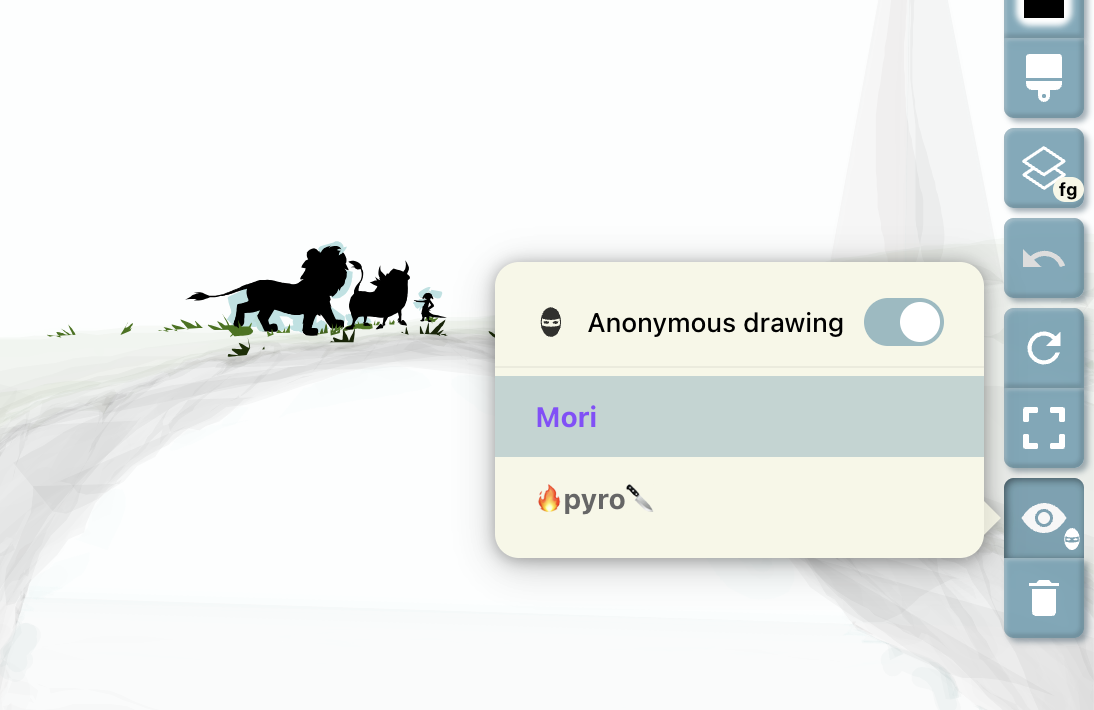
We introduced a new way to inspect artwork on the canvas and manage your drawing privacy! Read more in Drawing Participants & Anonymous Mode.
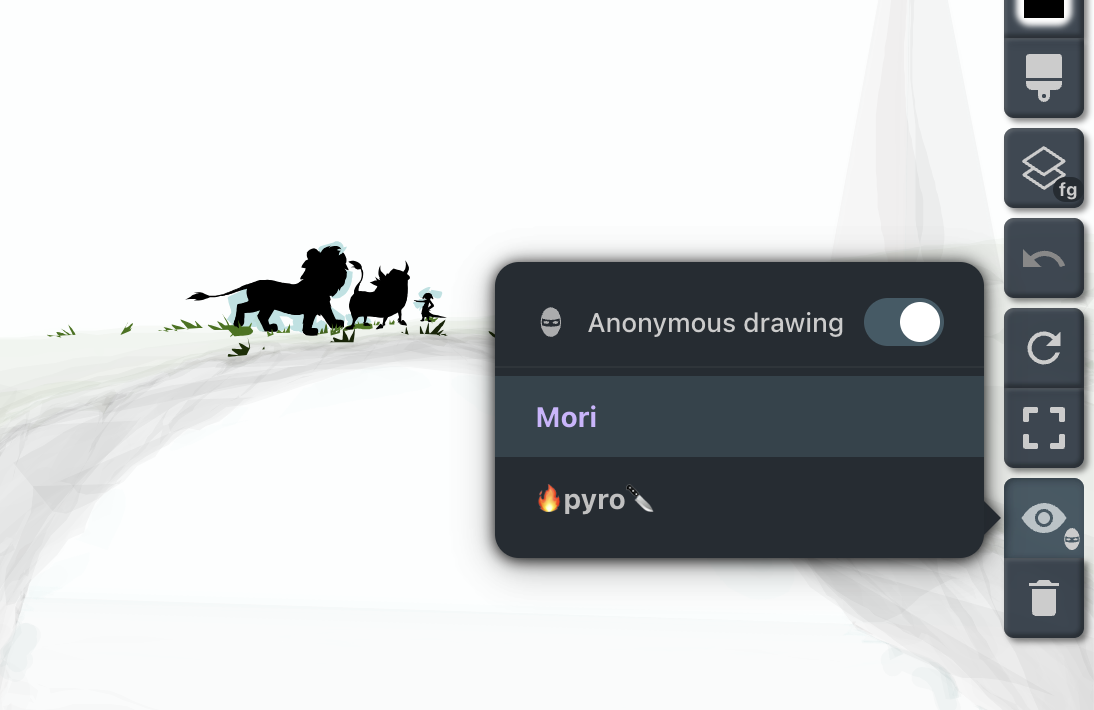
Drawing Participants (Eyetool)
- See Who's Drawing: Open the new Drawing Participants menu from the right toolbar by clicking the Drawing Participants icon.
- Highlight Artwork: Hover over a participant's name to highlight their strokes by dimming all other drawings on the canvas.
- Pin Highlights: Click a participant's name to pin the highlight so you can explore the canvas while keeping their work emphasized.
Anonymous Drawing Mode
- Draw Privately: At the top of the Drawing Participants menu, you can toggle Anonymous drawing on or off. While active, a mask badge appears directly on the Drawing Participants toolbar button so you never forget that you are drawing anonymously.
- Stroke Anonymity: Any strokes introduced while Anonymous Mode is enabled will be excluded from the drawing participants list, removing attribution from your strokes.